
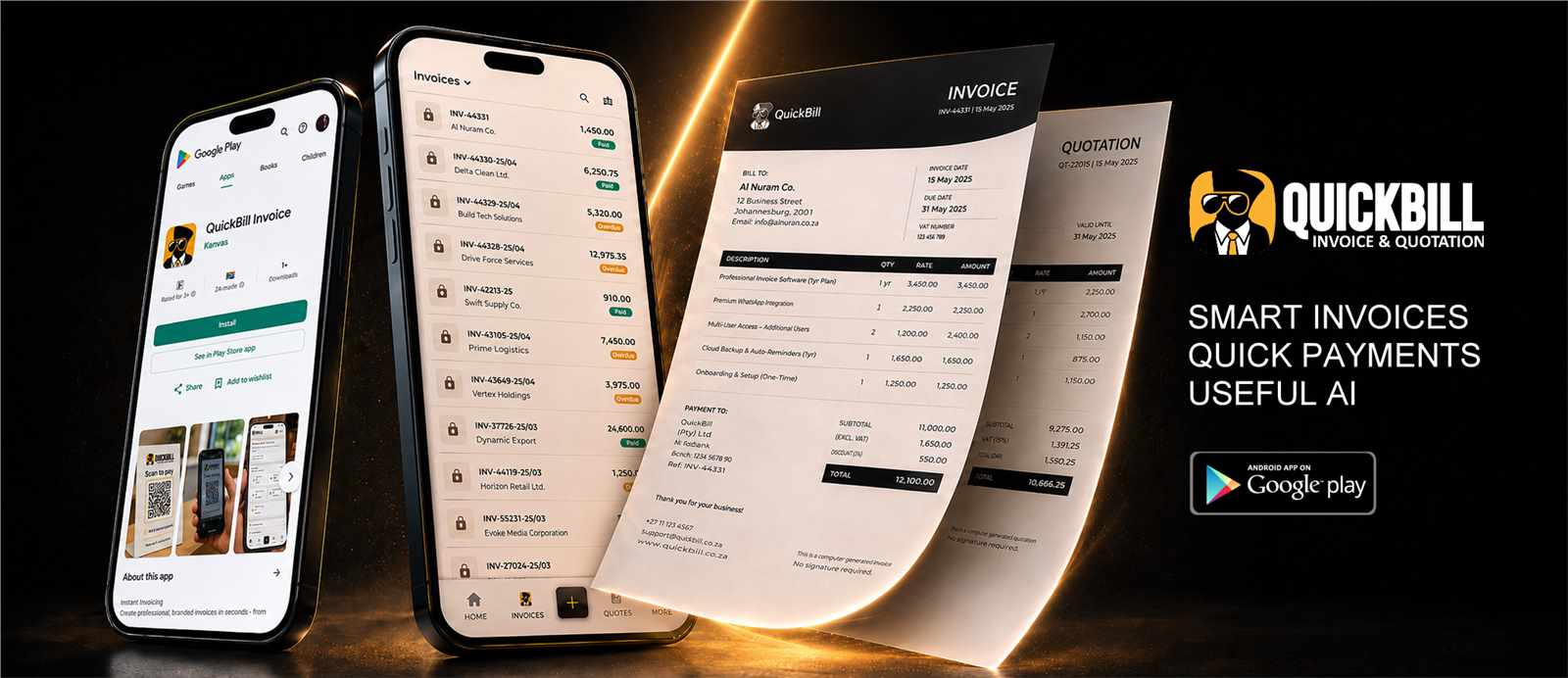
Branded documents
Use your logo, company details, theme colour and selected template.
Professional invoicing
Create compact, professional invoices with your company details, tax, banking information and preferred template, then send them without leaving QuickBill.
What it includes
This capability works with the platform's current records and controls rather than creating a disconnected process.
Use your logo, company details, theme colour and selected template.
Calculate quantities, tax, discounts, payments and balances consistently.
Create secure document links and refresh an expired invoice link when required.
Present configured EFT, PayFast or Yoco payment choices on public invoices.
Practical by design
QuickBill separates the original invoice total from the remaining balance due, supports partial payments and keeps drafts out of operational totals until they are ready.
Choose from distinctive compact layouts while keeping the business theme colour.
Record payments and see invoice total, amount received and balance due.
Send by email, SMS or WhatsApp and provide a secure public invoice link.
Open, print and save polished documents from desktop or mobile.
How it works
QuickBill keeps common actions clear on mobile and desktop.
Import an existing contact or add the customer details to the invoice.
Use saved service items or enter a custom line item with quantity and price.
Choose status, dates, tax, discount, payment and notes.
Share the secure invoice and monitor the real remaining balance.
Questions
Yes. The invoice keeps the original total and calculates the remaining balance from the amount already paid.
No. Draft invoices are excluded from operational invoice totals until they are moved to an active status.
Yes. Invoice and quotation settings include a collection of selectable templates and live previews.
Yes. QuickBill includes an option to refresh an expired public invoice link for the selected document.
Keep exploring
Start with the existing free registration path, or sign in to continue working.