
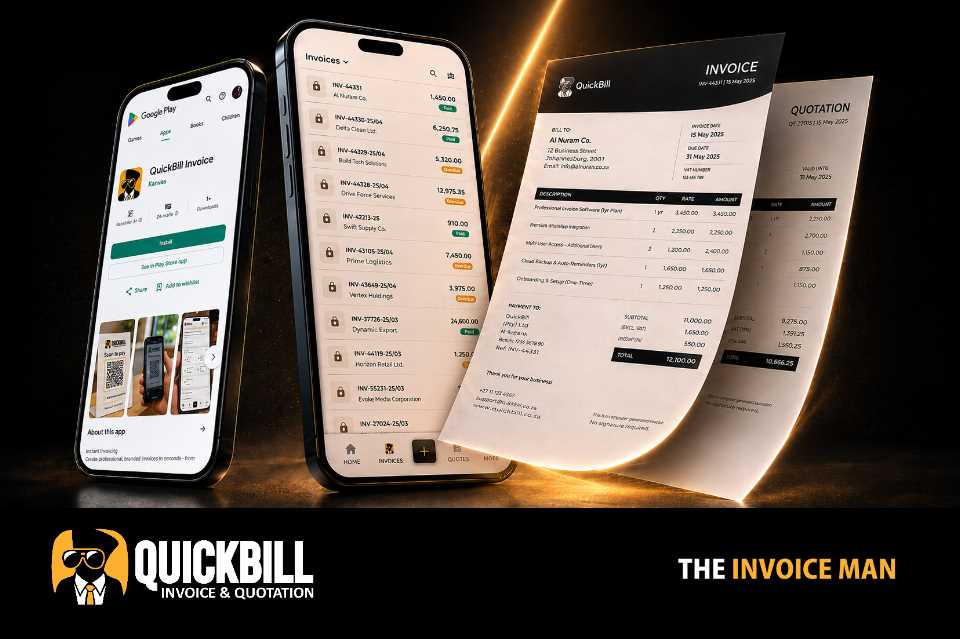
Shared template system
Use the selected invoice and quotation template across both document types.
Quote with confidence
Turn saved customers and service items into clear proposals, apply your preferred document design and move approved work into invoicing.
What it includes
This capability works with the platform's current records and controls rather than creating a disconnected process.
Use the selected invoice and quotation template across both document types.
Show issue and valid-until dates clearly on every quotation.
Create an invoice from a quotation when the customer is ready.
Open responsive public views and save quotations as PDF.
Practical by design
Quotations use the same company identity, service library, tax settings and document templates as invoices, keeping every customer-facing document consistent.
Build quotes quickly from customer and service records already in QuickBill.
Manage sent, accepted and rejected quotation states.
Deliver a public quotation link through email, SMS or WhatsApp.
Move successful proposals into the invoice workflow without starting again.
How it works
QuickBill keeps common actions clear on mobile and desktop.
Select the customer or lead and add the proposed services.
Add dates, quantities, prices, tax, discounts and terms.
Send the secure link through the customer channel you prefer.
Turn accepted work into an invoice and continue tracking payment.
Questions
Yes. QuickBill includes a quotation-to-invoice workflow for approved work.
Yes. They use the company information, logo, theme colour and document template saved in settings.
Yes. Public quotation pages are responsive and designed for mobile and desktop viewing.
No. Draft documents remain inside the authenticated business workspace.
Keep exploring
Start with the existing free registration path, or sign in to continue working.