
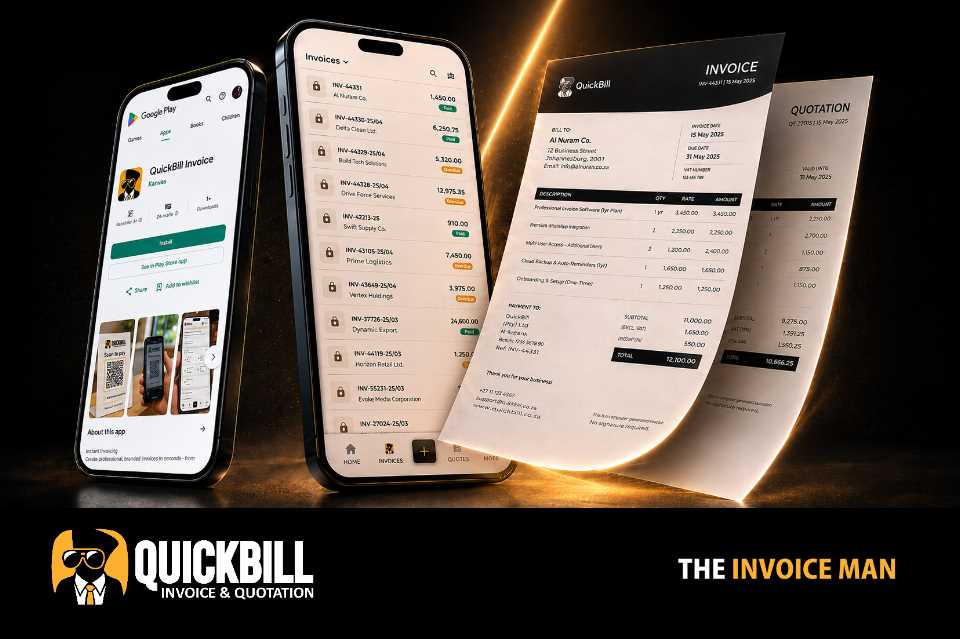
Correct secure links
Use QuickBill public document URLs rather than exposing internal pages.
Meet customers where they respond
Send secure document links into the conversation your customer already uses, with concise messages that preserve the important document details.
What it includes
This capability works with the platform's current records and controls rather than creating a disconnected process.
Use QuickBill public document URLs rather than exposing internal pages.
Keep references, amounts and action links intact in customer communication.
Work with the customer and document records already stored in QuickBill.
Move from document view to WhatsApp sharing in a few taps.
Practical by design
QuickBill generates the correct document link and prepares customer-ready communication. The WhatsApp assistant follows workflows suited to messaging while Bill AI remains focused on the in-app experience.
Open WhatsApp with a secure document link and essential reference details.
Generate useful message drafts based on the document and its current status.
Review and adjust generated communication before it reaches the customer.
Use WhatsApp-oriented AI workflows without changing the main QuickBill assistant.
How it works
QuickBill keeps common actions clear on mobile and desktop.
Choose the invoice or quotation you want to send.
Use the document status and core details to produce relevant wording.
Edit the message while retaining the secure QuickBill link.
Send the final message to the intended customer.
Questions
No. Customers receive a secure public document link, not access to the business dashboard.
Yes. Generated document messages remain editable before delivery.
Yes. QuickBill supports secure public links for both invoices and quotations.
No. Each assistant is designed around the workflows and interaction style of its platform.
Keep exploring
Start with the existing free registration path, or sign in to continue working.