
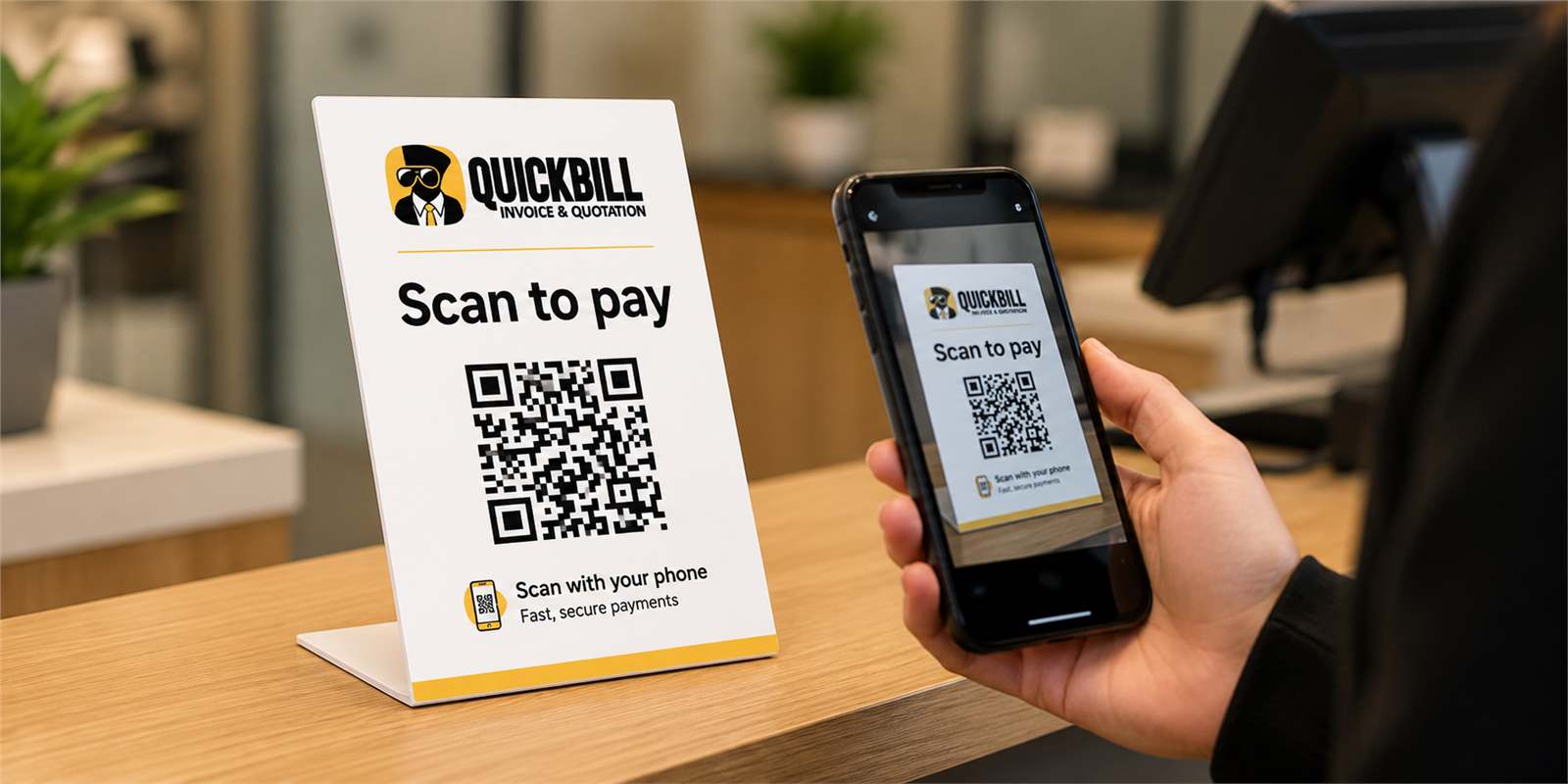
Static QR stand
A reusable scan point supports multiple customer orders over time.
From order to payment
Create a customer order, share its checkout link or let the customer scan your permanent QuickBill QR stand and use the order reference to open the correct transaction.
What it includes
This capability works with the platform's current records and controls rather than creating a disconnected process.
A reusable scan point supports multiple customer orders over time.
The order reference connects the customer to the correct transaction.
Download or share checkout access from the Quick Checkout modal.
Completed supported online payments continue through the existing invoice flow.
Practical by design
The printed QR remains static while the order reference identifies the transaction. Direct links can carry the reference for convenience, and each customer still reaches only the intended order.
Print one QuickBill QR stand instead of creating new signage for every order.
Use the existing order reference to identify the correct checkout transaction.
Send the customer a transaction-specific link when remote payment is easier.
Present EFT, PayFast or Yoco according to the business account settings.
How it works
QuickBill keeps common actions clear on mobile and desktop.
Select services and quantities in Quick Checkout.
QuickBill displays the order reference with the payment QR.
Use the permanent QR stand or send the transaction link directly.
The customer confirms the intended order and uses an available payment method.
Made for work in the real world
QuickBill supports businesses that need to invoice, share and collect payment while the customer is still present.
Share a payment link while completing the appointment.
Present the remaining balance when the vehicle is ready.
Invoice and collect after the job has been completed.
Let customers scan and pay at the counter without handling a new QR for every order.
Questions
Yes. The QR opens the QuickBill payment entry while the order reference identifies the customer transaction.
No. The flow is designed to open the order associated with the supplied reference or direct link.
A business can configure the payment methods available in its QuickBill settings, including supported EFT, PayFast and Yoco flows.
No. It uses the existing QuickBill order and invoice workflow rather than replacing it.
Keep exploring
Start with the existing free registration path, or sign in to continue working.